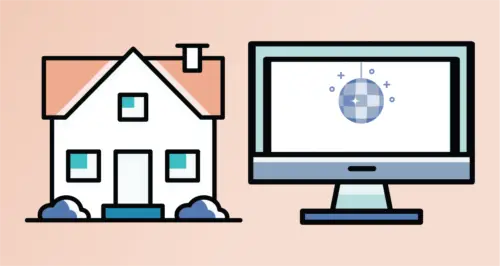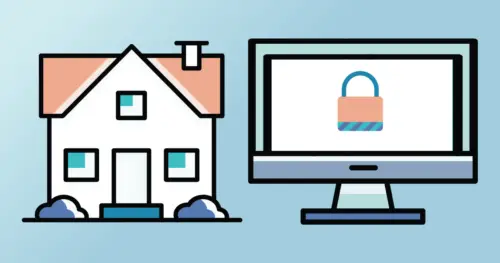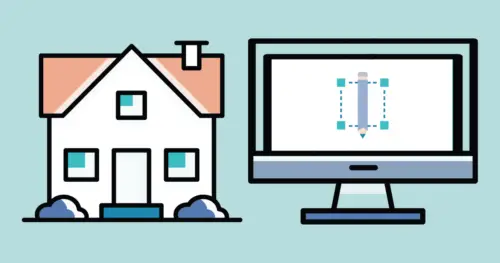



Imagine building a house with no plan… no blueprints, no set construction days, nothing. That sounds unproductive, right? Well, building out your website is the same. Your website project needs a structured plan of attack to ensure everything comes together.
All website projects look a little different. Here at Marketing Queen, we have a proven system that takes you through four main phases in about six to ten weeks, on average.
Phase One: Exploration
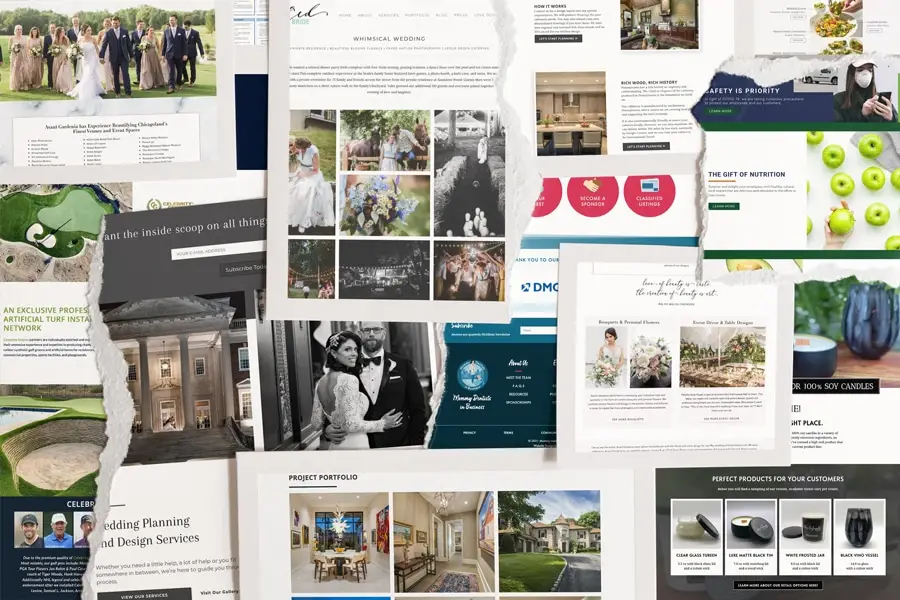
In the exploration phase, we want to get to know you and your business. We’ll have a series of strategy and discovery conversations that will help us clarify your goals.
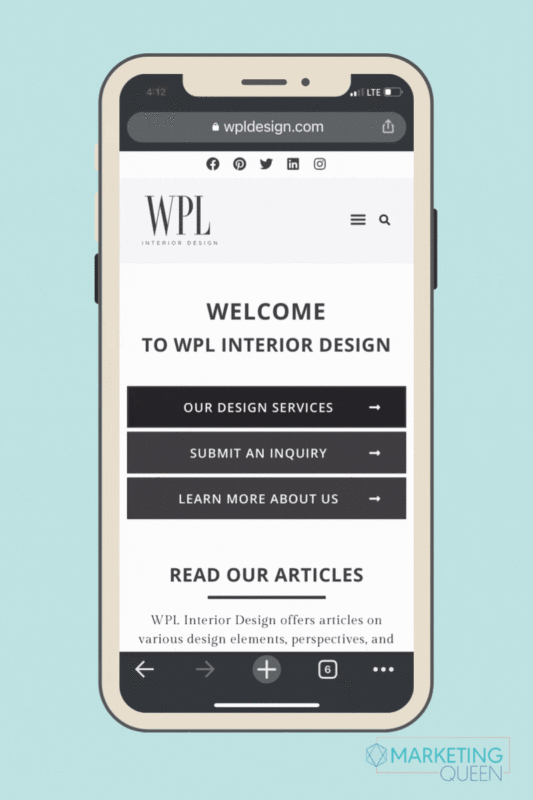
All of the websites we create are intentionally designed to look beautiful, while also being functional for your site visitors.
Website functionality is essential in order to create a user-friendly experience. We want to guide your visitor from the page they arrive on through the appropriate customer journey. Ultimately, the goal is to convert the visit into a sale or consultation.
In order for us to ensure your website has the most optimal flow, we will discuss and define the path that best fits your brand’s needs.
During this phase, you will have a little homework so we can make sure we’re on the same page! There’s no stress involved — we promise it’s not a test.
We will also take a look around at your competitors to get a better understanding of your industry.
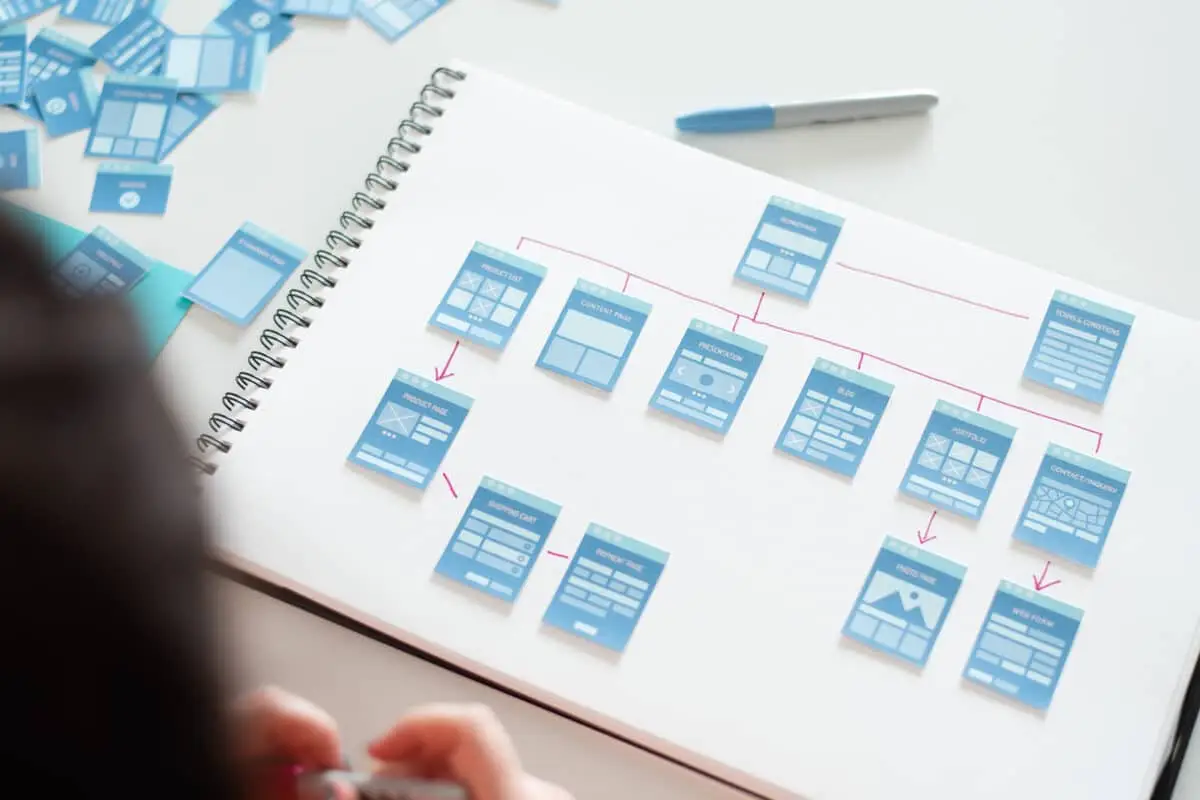
Once all of this exploration is completed, we will begin building out your sitemap. Remember our house analogy, your sitemap is essentially the blueprint of your house… how many rooms (or pages, in our case), the types of rooms, etc.
Need a refresher, be sure to check out our blog posts on “What is a Sitemap?” And “Build Your Website Like You Build Your House – Part 1”

Phase Two: Strategy + Aesthetics
The Strategy and Aesthetics phase is a client favorite because they begin to see their project come to life.
In this phase, you will start to see deliverables that represent your brand’s aesthetics and the website’s strategy.
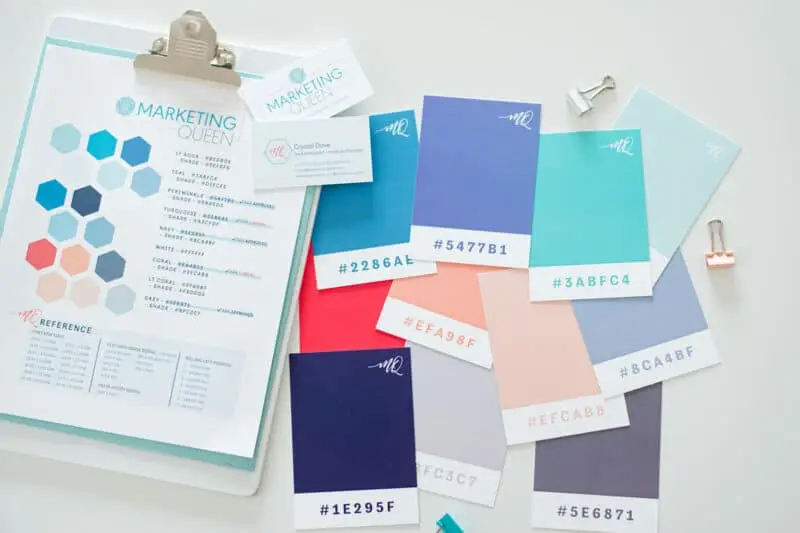
For aesthetics, we create a PDF called your Style Tile. This showcases all of the design elements that we get to pull from as we lay out all of your pages (think: heading styles, buttons, color blocks, etc.).
Then for strategy, we begin by focusing on your main calls-to-action (CTAs). We’ll develop a list of your top five CTAs together, and then prioritize them per page.
Your homepage is the main central terminal of all website traffic. We will prioritize and arrange the content top to bottom, encouraging clients to visit various other pages on your site. This is called your Wireframe (learn more here).
Lastly, we’ll set up your domain/hosting on WordPress so we have a place to begin the build-out.
This is the exciting moment when all of the paperwork is behind you, and your house is finally going to be built — it’s coming to life!
Phase Three: Development
This is the BIG picture where everything comes together.
We develop each page with a specific intention. The focus will remain on your messaging flow and calls-to-action (CTAs) for optimal engagement.
This is the construction phase. Your site will be built on a solid foundation for growth (as every house should).
While it’s business as usual for you, we’ll be developing theme settings and elements, bringing the design and function of your site to life.
Once the house looks good, we will ask you to review every detail. You’ll be able to provide directives and revisions for each page.
This is also the phase where we adapt for responsive screen sizes (making sure the website will run like a dream on every device) and review the Americans with Disabilities Act (ADA) guidelines on each page.
Whew! It may not be as physically exhausting as building a house, but it sure is a lot of work!
Phase Four: Go Live
Where’s the bubbly?! This is the finish line!
We ensure that each page, function, and contact form is performing as it should.
Meta Descriptions are added to your pages so your Search Engine Optimization (SEO) efforts start out strong! Not sure what SEO entails? No worries, we’ll discuss it in our training as well as a number of how-to tips and tricks to maintaining your site. (We’ve given you a glimpse at why maintenance matters in this blog post here).
To get even more techy on you (just for a second!), we’ll also be implementing your Google Analytics (learn what stats to watch for on Google Analytics).
Most importantly, we’ll migrate the site to you and (drum roll please …. ) LAUNCH THE SITE! Yay!
OH– we can’t forget the two-hour WordPress training to ensure you’re set up for success with your new site. We’d never leave you hanging.
See the plan. Ready to jump on board?!
It’s time your business had a virtual storefront with a strategic design, and we’re ready to help you! We’re currently booking projects for the end of 2021 and the beginning of 2022, connect with us!
Enjoy this post? Pin it for later…
For help pinning these graphics – here’s a helpful link!