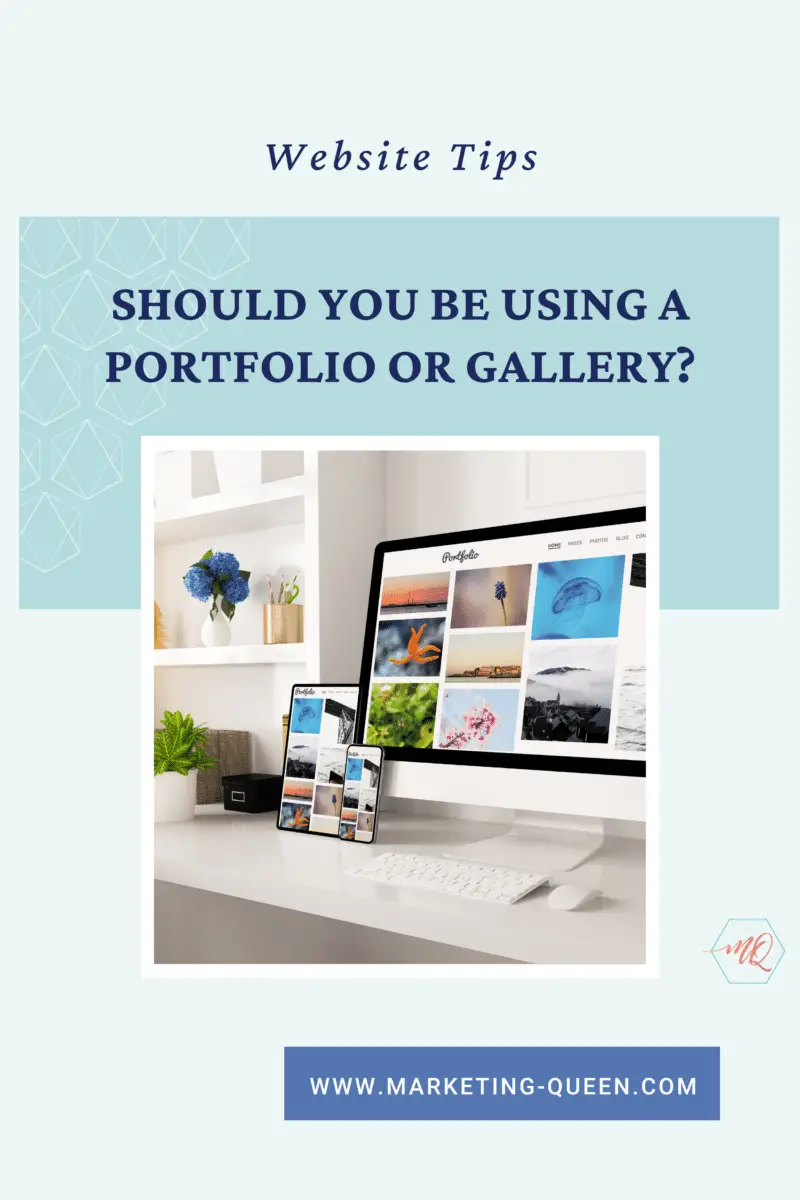
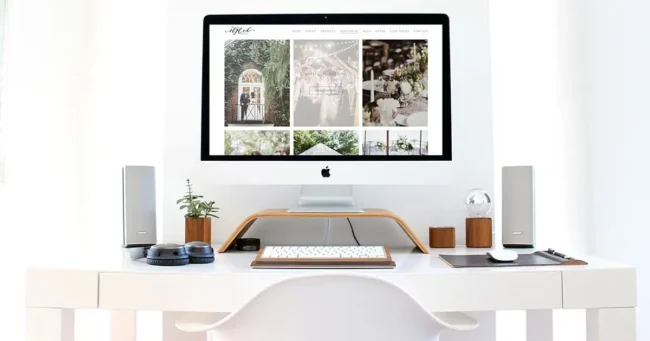




I work with a lot of pretty picture peeps, which means I get to create websites with the most beautiful images! The questions I am asked most often when it comes to planning a website are “How do you think I should show off my photos? Should I use a portfolio or a gallery?”
Honestly, there’s no right way to display your work, but after years of working on websites, I’ve developed some insight that might help you decide whether a portfolio or a gallery is the right solution for you and your prospective clients.
Reminder: By the time someone lands on your website, it’s likely they’ve already seen a little bit about what you do or have received a rave review from a friend and can’t wait to learn more about you.
That’s why I ALWAYS ask clients for the creme de la creme of photos. It’s going to be those photos that convert your visitors to inquiring clients!
When you want to impress the eyeballs that are scanning your website it’s not about you (or what you like), it’s about them.
How can you display your work in a way that will speak to your potential clients?
Let’s take a look at option one:
Showcasing Your Work in a Gallery
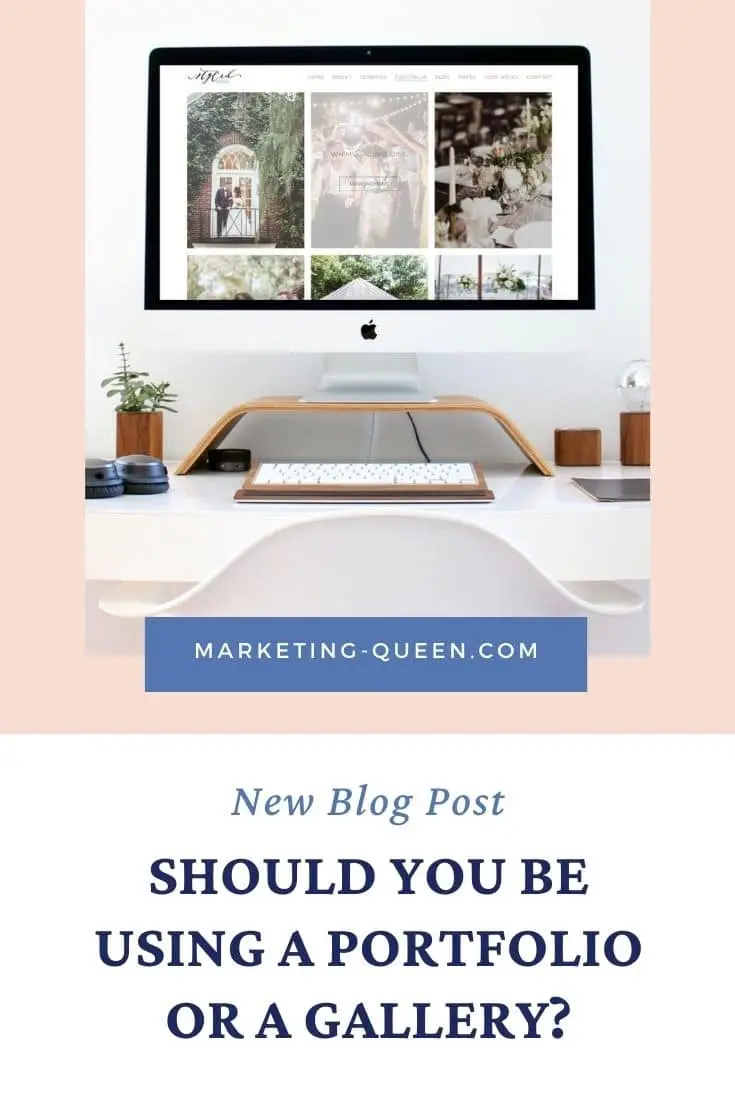
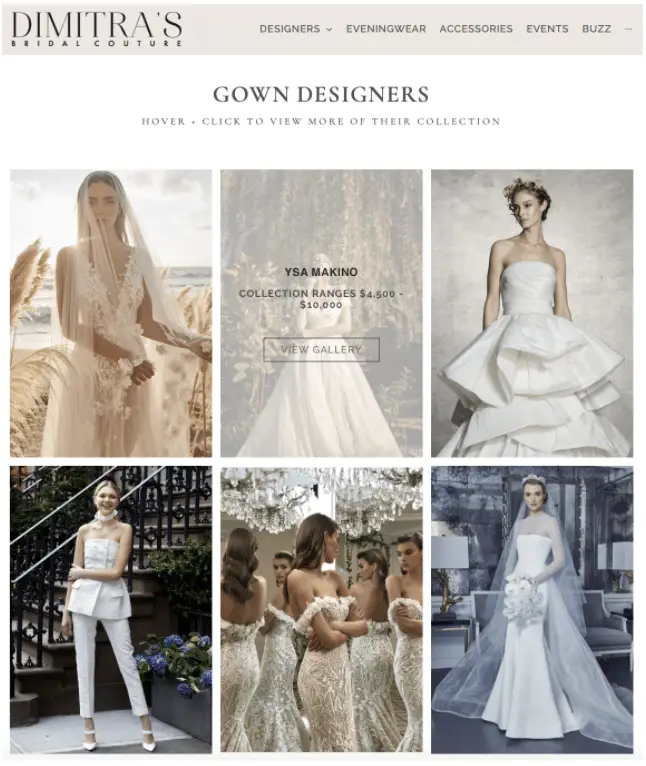
A gallery is a curated assortment of images – typically displayed in a masonry or refined grid system. Clients can click on an image to enlarge it, but most times they peruse the album with a good ol scroll.
We all know that time is everything – and people don’t want to be scrolling through a hundred photos (unless it’s of them, obviously!).
But if it is a perfectly curated assortment of images, they may just fall in love.

It’s really easy for a Gallery to appear busy and cluttered. When there are various colors, styles, and talents being showcased all on one page, you must be sure to take a step back and look at the whole.
Have you ever seen one of those Instagram pages with a thousand different colors and random fonts (like what’s even happening?!). There’s no way I’m letting your website look like that.
That leads us to option two:
Showcasing Your Work in a Portfolio
Portfolios are awesome – plain and simple! But they can require a bit more work to create and manage.
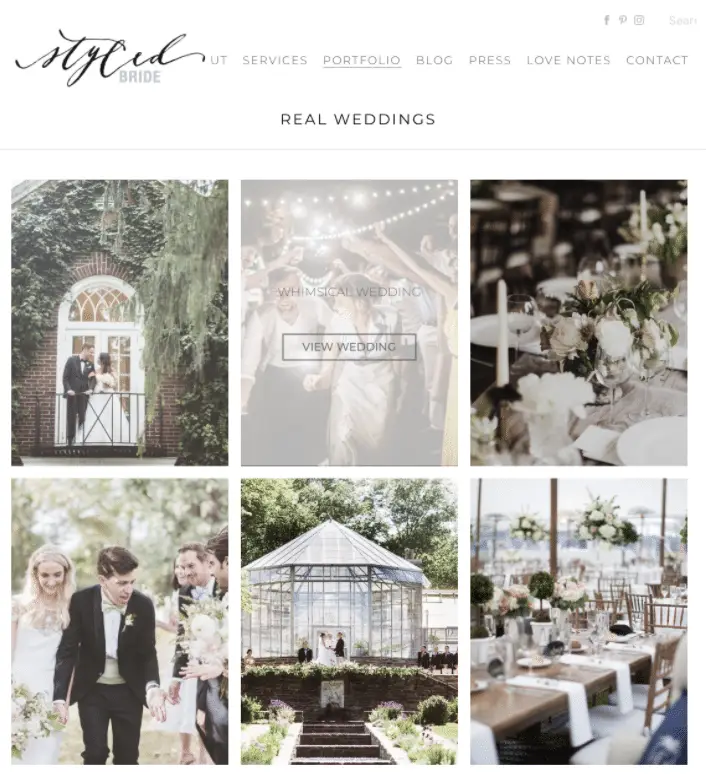
A portfolio design allows you to group your images into different collections. The portfolio page then showcases all of the collections that the visitor could choose to explore.
A portfolio for a wedding or event professional could be organized by events – where you click on a couple’s name or a clever title. That opens a new page with a description, some links to fellow vendors, and a gallery of images specific to that event (a lot less chaotic).
The only real downside to portfolios is that there are more pages to create, but that’s what I’m here for!
The Difference Between Blog Posts and Your Portfolio
The best part of a portfolio is that you can add SEO to each of these portfolio pages which will help your business show up on more Google searches.
More SEO opportunities mean more page views and more potential clients!
Now you might be thinking but isn’t that what my blog is for. Well, the short answer is YES. However, your blog may feature client work that is within your wheelhouse but not necessarily your Top Tier work.
Your portfolio is an evergreen place for your Tier One – Hot to Trot – Most Impeccable work to date.
While I believe portfolios are the clear choice for showcasing your work, you have to do what makes sense for your brand, and deliver the content in a way that your visitors want!.
Are you ready to share your stunning photos and attract more clients?
Let’s have a strategy session to see how you can use portfolios to help your photos work for you! Click here to book a call with us.
Enjoy this post? Pin it for later…
For help pinning these graphics – here’s a helpful link!